► Salesloft vs Reply.io: The Honest Comparison
Step 1: Set Up for Enterprise, Not Chaos - Establish teams and roles: Segment by region, segment (PLG vs Enterprise), and overlay (SEs vs AEs). This mirro...
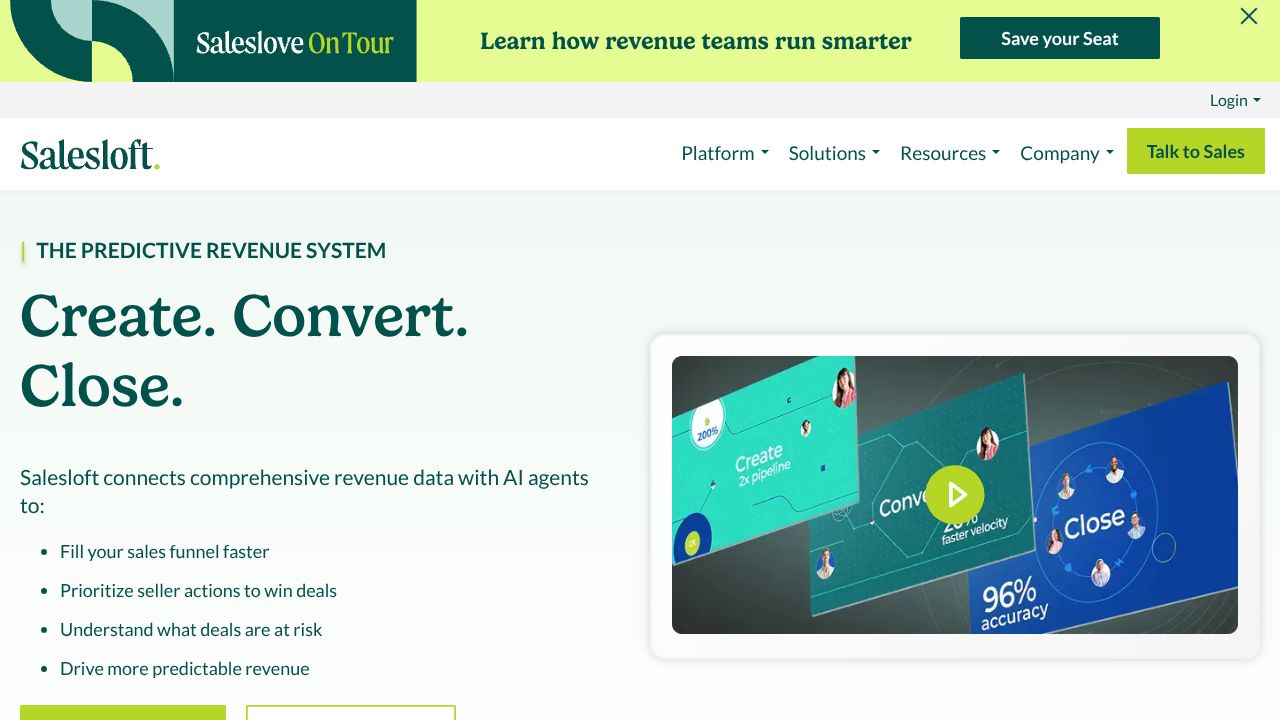
[ Device Preview - Salesloft ]
════════════════ DEVICE SPECIFICATION ════════════════
Signal-to-Action Mastery: Turning Buyer Intent into Pipeline with Salesloft
Ever spent hours trying to decide which account to touch next—only to realize the technical buyer moved on? In my 15 years building and selling developer tools, that’s the tax most teams pay. Salesloft’s Conductor AI cuts that tax by translating buyer signals into prioritized actions with a UX your reps will actually use. While Reply.io excels at high-velocity multichannel automation and Outreach shines at rep productivity at scale, Salesloft is better suited for enterprise, account-based motions where signal quality and usability decide your quarter.
Step 1: Set Up for Enterprise, Not Chaos
- ►Establish teams and roles: Segment by region, segment (PLG vs Enterprise), and overlay (SEs vs AEs). This mirrors how dev-tool deals actually win—multi-threaded across engineering, security, and procurement.
- ►Define your priority signals: Start with three tiers—product usage spikes (e.g., multiple new workspaces created), market intent (job posts mentioning your tech), and account milestones (new budget cycle). You’ll feed these into Conductor AI.
- ►Connect your intent sources: Use Salesloft’s native Autobound integration to pull in buying signals (e.g., technology installs, hiring trends) and tag them by persona (developer, platform, security).
- ►Calibrate Conductor AI: Set weights so technical usage signals outrank generic web engagement. Enterprise dev-tool cycles move when the hands-on engineer leans in.
- ►Build a pipeline forecast view: Create a forecast roll-up by segment and signal source. When intent drives actions, your forecast gets less opinionated—and more real.
Step 2: Core Features You Need to Know
- ►Conductor AI (the differentiator): Translate signals into actions. Example: A spike in trial workspaces + a new DevOps job post = trigger “Champion Nurture” for the engineering manager and “Value Summary” for procurement. Add a 24-hour SLA for AE follow-up.
- ►Sequencing and workflows: Create two parallel tracks—Technical Champion and Economic Buyer. Technical gets artifact-first messaging (benchmarks, architecture notes); Economic gets outcomes (risk reduction, TCO). Use branching based on reply/meeting outcomes.
- ►Analytics that move deals: Build dashboards for:
- ►Signal-to-meeting rate by segment (are PLG signals converting?).
- ►Step-level drop-offs in Technical vs Economic sequences.
- ►Time-to-first-action after high-intent signal—under 2 hours should be your bar.
- ►Native Autobound integration: Route inbound intent directly to the right persona-specific sequence. Set guardrails so only high-confidence signals trigger automation; everything else queues for human review.
- ►Pipeline forecasting: Align forecast categories to signals (e.g., “Signal-Qualified,” “Champion-Validated,” “Multi-Threaded”). This tightens the loop between data and commit.
Step 3: Pro Tips for Developer Tools Professionals
- ►Tie signals to product milestones: Map Conductor AI triggers to meaningful PLG events (e.g., “first successful CI run,” “first API token created”). What others won’t tell you: vanity signals (ebook downloads) will flood your queue and numb your reps.
- ►Build a technical artifact library: Pre-package snippets—sample Terraform, architecture diagrams, SOC2 mappings—that your sequences can insert based on persona. Engineers reply to proofs, not promises.
- ►Separate SE and AE actions: Let Conductor AI assign SE-led “demo deep dives” on technical surges, while AEs focus on threading and value mapping. Shared actions cause dropped balls.
- ►Weekly “signal triage” ritual: 30 minutes, review top accounts where signals didn’t become actions within SLA. Fix the workflow, not the rep.
Common Mistakes to Avoid
- ►Treating all signals equally: Weight technical usage 2–3x over web engagement. Otherwise your queue becomes noise.
- ►Over-automating engineers: Keep messages short, artifact-led, and respect “no fluff” norms. Automation should tee up relevance, not spray templates.
- ►Ignoring analytics-to-forecast linkage: If your forecast doesn’t reflect signal-driven stage movement, you’re still guessing. Close the loop weekly.
How It Compares to Alternatives
- ►While Reply.io excels at multichannel velocity and its AI SDR “Jason” for SMB/mid-market, Salesloft is better suited for enterprise account-based motions where Conductor AI’s signal-to-action and superior UX reduce time-to-impact. Pricing-wise, Reply.io is typically more transparent; Salesloft is enterprise custom.
- ►Outreach is strong on communication efficiency and rep productivity across large teams. If you need breadth across generic workflows, it’s compelling. If your differentiator is turning rich buyer signals into prioritized, persona-specific actions with built-in pipeline forecasting, Salesloft’s patent-pending AI and UX give it the edge.
Conclusion: Is Salesloft Right for You?
If you’re an enterprise dev-tools org running account-based motions and wrestling with disparate intent data, Salesloft is a top pick. Conductor AI turns real buying signals into executable priorities, sequencing works the way technical buyers buy, and analytics roll cleanly into pipeline forecasting. For SMB velocity or budget sensitivity, consider Reply.io. For broad rep productivity at scale, weigh Outreach. But if you want signal-to-revenue discipline with best-in-class usability, Salesloft earns a prime spot in your Category Indexes, Tool Profiles, and yes—your next quarter’s commit.